Enterprise WordPress development works best when you pick traditional WordPress on managed cloud hosting and hire an agency with real enterprise projects behind it. That setup suits mid size and large companies with busy content teams and a few key integrations. Go headless only if you need to feed apps or other channels from one CMS.
Most buyers overspend because they choose the fancy stack first. This guide compares hosting and agency options and rough costs for 2027. It also covers nine strategies that protect your return on investment. If your budget talk is stuck on WordPress being free you’ll find the real numbers below.
What Is Enterprise WordPress Development?
Enterprise WordPress development means building and running WordPress sites that carry large content libraries and many editors and heavy traffic. Picture thousands of pages and 50 editors and a CRM that has to stay in sync.
It also covers governance and security and compliance rules like GDPR or HIPAA. A small business site can live on a cheap shared plan. An enterprise site can’t.
There’s a newer shift for 2027 too. Google AI Overviews and ChatGPT now answer questions before anyone clicks. Your site has to be structured so those tools can read it.
Why Enterprises Choose WordPress Over Drupal and AEM
There’s no license fee. That’s the main reason WordPress enterprise development keeps winning budget meetings. You also get a huge developer pool and an editor your marketing team already knows. Plugins cover most needs and you avoid vendor lock in.
Here are rough ranges from public estimates. Your quotes will vary.
| Factor | WordPress | Drupal | Adobe Experience Manager |
|---|---|---|---|
| License | $0 | $0 | $250K to $1M+ per year |
| Build cost | $150K to $500K | $250K to $600K | $500K to $1M+ |
| Editing experience | Easy | Moderate | Strong |
| Developer availability | Very high | Moderate | Limited |
| Three year total cost | About $600K+ | $800K to $1.5M | $1.5M+ |
Maintenance usually runs $12K to $50K a year and hosting starts near $25K. Drupal has stronger built in workflows. AEM suits teams already deep in Adobe tools. For everyone else WordPress usually costs the least over three years.
1. Plan Your Architecture and Content Model First
Decide how content will be stored before anyone designs a page. Plan your custom post types and taxonomies and URL structure for where the business will be in three years.
Then pick a delivery model. Traditional WordPress is faster to build and cheaper to run. Headless gives you React or Next.js frontends and multichannel delivery but adds a second codebase and harder previews. My take: start traditional unless you have a clear app or multichannel need.
Use the REST API for most integrations. Choose GraphQL only when a headless frontend needs it.
2. Choose Enterprise Hosting That Fits Your Traffic
Hosting decides how your site behaves on your busiest day. Managed WordPress hosting costs less and works for many companies. WordPress VIP costs more but adds strict code review and deep support for large publishers.
Ask for a written uptime SLA. 99.95% still allows about 4.4 hours of downtime a year. 99.99% cuts that to roughly 53 minutes. Check backup retention and restore tests too. A backup nobody has tested isn’t a plan.
Run a load test before any big launch or campaign.
3. Build for Performance at Scale
Speed affects rankings and sales. Use layers instead of one magic plugin:
- Redis object caching: cuts repeat database queries
- Full page caching: with smart rules for logged in users
- CDN: serves assets close to your visitors
- Database indexing: keeps queries fast as content grows
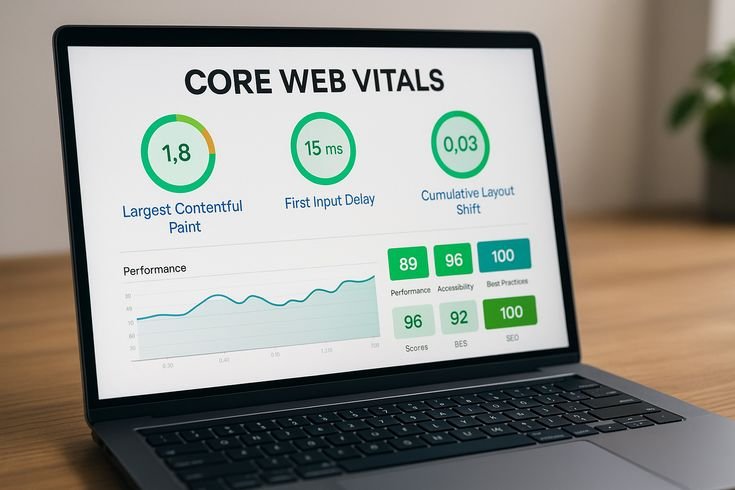
Track Core Web Vitals every month. Aim for LCP under 2.5 seconds and INP under 200 ms and CLS under 0.1. Most slow enterprise sites blame WordPress. The real cause is usually cheap hosting or too many plugins.
4. Write Maintainable Custom Code
Custom features are where enterprise budgets leak. Good enterprise WordPress developers follow WordPress coding standards and build small modular plugins. They manage libraries with Composer and send errors into your monitoring tools.
Audit every plugin you install. Each one adds security risk and update work. If a plugin does one small job and a developer can build it cleanly in a day then build it. Messy code becomes technical debt that you pay for every year.
5. Streamline Team Workflows
Enterprise projects put designers and developers and QA and editors in the same room. Give everyone a safe place to work. A staging environment lets you test with real content before release. Git pull requests and a CI/CD pipeline add automatic checks and human code review.
When you hire an enterprise WordPress developer ask to see their review process. It tells you more than a portfolio does. Editors need a flow too: draft then review then approve then publish.
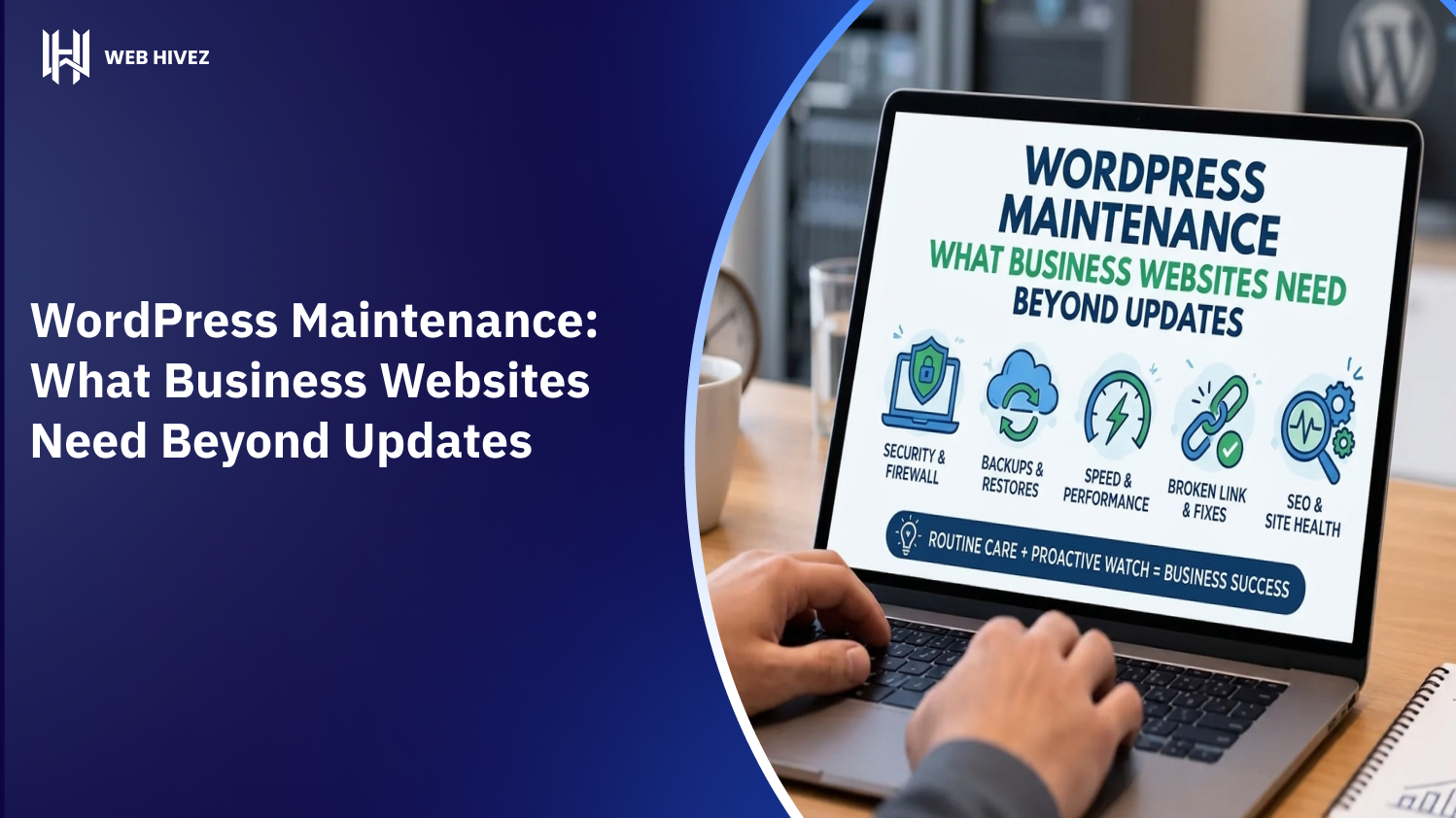
Plan for updates as well. Our guide to WordPress maintenance for business websites shows what to budget beyond plugin updates.
6. Integrate Your Enterprise Systems
Your site should talk to the tools your teams already use. Common links include:
- CRM: Salesforce or HubSpot for lead sync
- ERP: SAP or NetSuite for orders and product data
- DAM and PIM: Bynder or Akeneo for assets and catalogs
- SAML SSO: one login across your systems
Decide data ownership and sync frequency before development starts. Integrations nearly always run long. I’d add 30% to any estimate.
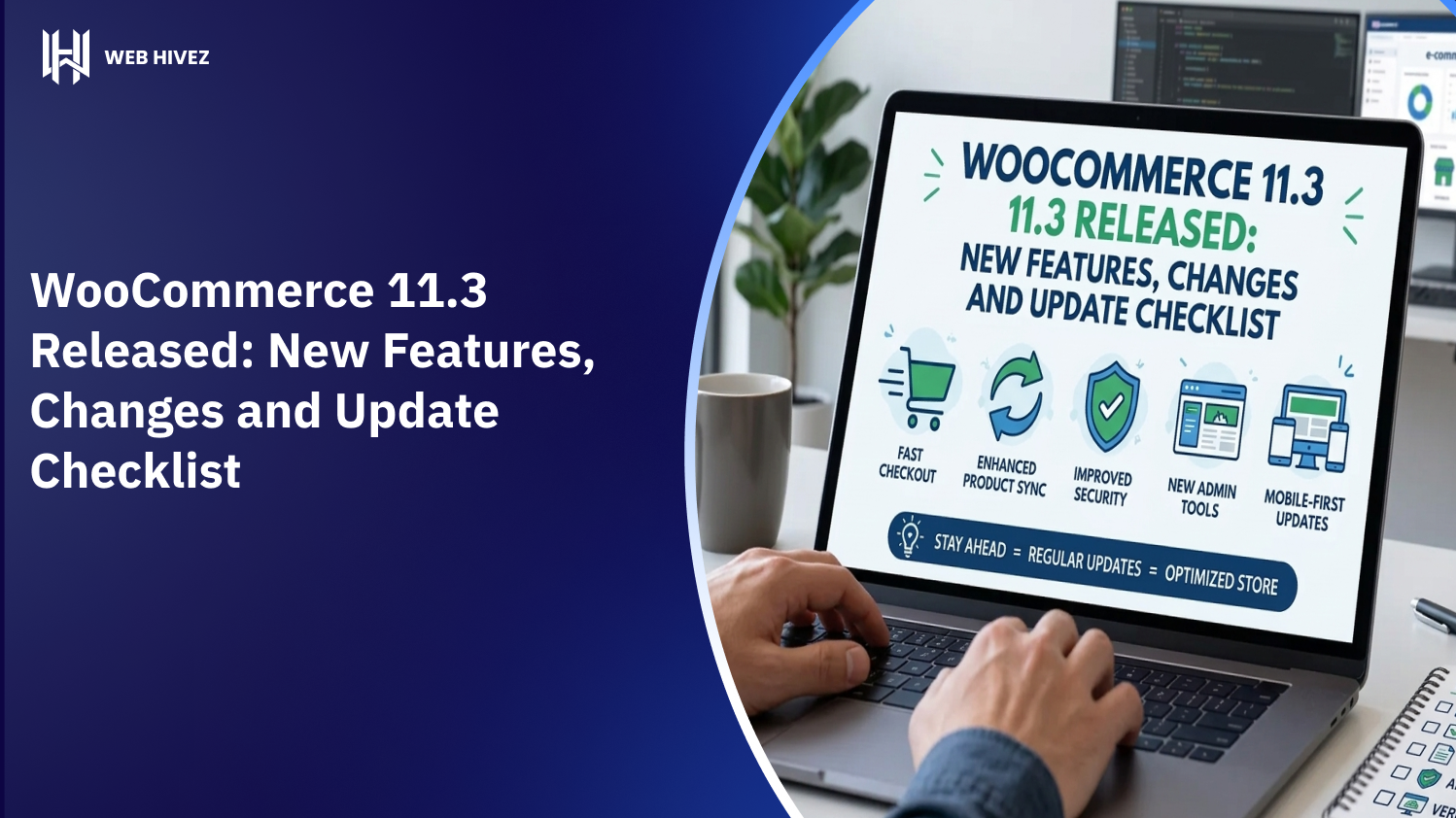
Running a store? Keep WooCommerce releases on your calendar. Version 11.3 shipped on November 11 2026 with a database update so test it on staging first. Our WooCommerce 11.3 update checklist covers what to check.
7. Scale with Multisite and Governance
WordPress Multisite runs many sites from one install. They share a database and themes and plugins. That’s great for universities and franchises. It’s a problem if each site needs its own database or release schedule.
A good rule: choose multisite only when a shared database is a feature and not a bug. Otherwise use separate installs with a shared codebase.
Governance matters either way. Set role based access and approval workflows and audit logs. Name an owner for every section of the site.
8. Lock Down Security and Compliance
Security works in layers:
- Web application firewall: blocks SQL injection and brute force attacks
- MFA: required on every admin account
- Least privilege: users only get the access their job needs
- Vulnerability monitoring: with fast and tested updates
Virtual patching helps in a pinch but it doesn’t replace updating the plugin. If you handle health or payment data map GDPR and SOC 2 and HIPAA needs early. Retrofitting compliance costs far more than planning it.

9. Build SEO and AI Visibility In from Day One
Organic search compounds over time so build it into the structure. Use clean URLs and a clear information architecture and topic clusters with strong internal linking. Add schema markup for articles and services and FAQs.
AI search needs the same base. For GEO and AEO use question style headings and answer first paragraphs and short tables. That helps your pages appear in AI Overviews.
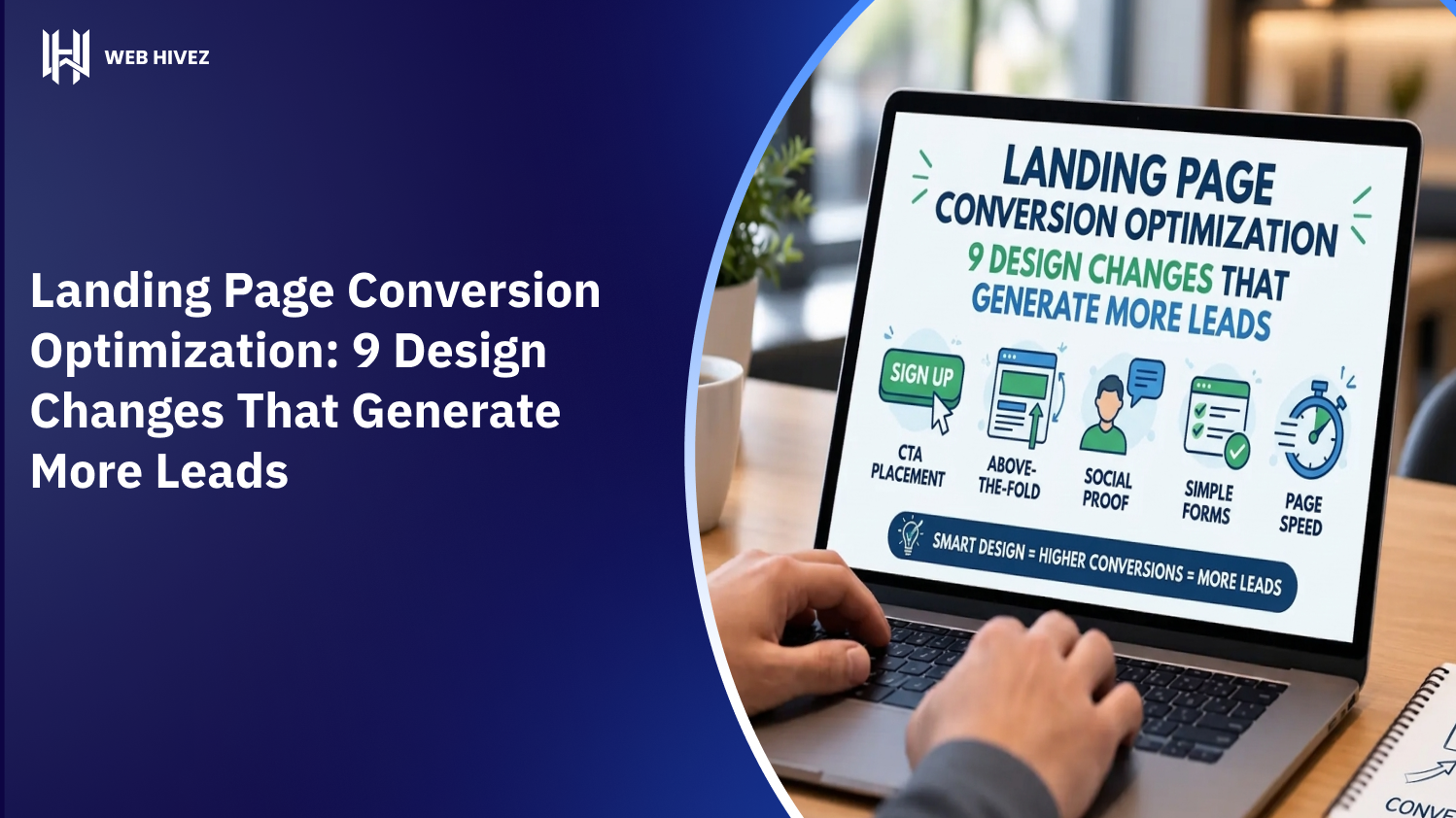
Traffic only pays off when pages convert. Our post on landing page conversion optimization shows nine fixes worth testing.
How to Choose an Enterprise WordPress Development Agency
An enterprise WordPress development agency should show enterprise work and not only pretty homepages. Ask for projects with similar traffic and integrations and compliance needs. A good WordPress enterprise development agency will also tell you when WordPress isn’t the right fit. Take that as a green flag.

What to Look for in the Best Enterprise WordPress Development Services
Compare quotes on these points:
- Integration track record: ask which CRM and ERP connections they’ve shipped
- Support terms: response times and who answers at 2 AM
- Maintenance plan: updates and backups and monitoring in writing
- Senior team: who works on your project after the sales call
- Clear pricing: fixed phases beat open hourly billing
The best WordPress enterprise development services spell out what’s included. If a quote feels vague it is. To see how a typical scope looks check our WordPress development services.
In House Team vs On Demand Team
An in house team knows your business deeply but hiring senior people takes months. An enterprise WordPress development company on retainer starts faster. Publishers have spiky workloads so on demand WordPress development teams for enterprise publishers are a popular pick. They scale up for launches and back down after.
Most mid size companies do best with a mix: one internal owner and an outside team.
Common Enterprise WordPress Mistakes That Waste Budget
- Picking tech before requirements: write goals first
- Plugin overload: more plugins means more risk
- Weak governance: quality drops when nobody owns content
- Treating SEO as a post launch task: fix structure before launch and not after
Final Thoughts on Enterprise WordPress Development
Enterprise WordPress development pays off when you decide the boring things first: content model and hosting and ownership. Flashy features can wait.
Your next step this week is simple. List every system the site must connect to and your expected traffic. Send that list to three agencies and compare their answers and prices side by side. The quotes will show you who has done this before.
Frequently Asked Questions
What does enterprise WordPress development cost?
Most full builds fall between $150K and $500K with hosting from about $25K a year. Maintenance often adds $12K to $50K annually. Integrations and custom features move the number most.
How long does an enterprise WordPress project take?
Plan for 3 to 12 months. Content migration and stakeholder approvals and integrations cause most delays. Start discovery early.
Should I choose traditional or headless WordPress?
Traditional fits most companies because it costs less and ships faster. Choose headless only for multichannel delivery or app style experiences. The extra frontend work is the price.
Can WordPress handle millions of visitors?
Yes with the right hosting and a CDN and strong caching. Most performance problems come from plugins and weak infrastructure and not from WordPress itself. Load test before big campaigns.
Is WordPress secure enough for enterprise use?
Yes when you add MFA and a firewall and least privilege access and prompt updates. Security depends more on your processes than on the CMS. Compliance needs like HIPAA should be planned from day one.
How does WordPress compare to Drupal and AEM on total cost?
WordPress usually costs the least over three years at roughly $600K and up. Drupal runs about $800K to $1.5M and AEM often starts above $1.5M. Drupal has stronger built in workflows and AEM fits Adobe heavy teams.
Ready to Build a Scalable WordPress Website?
Our team can help you plan, develop, and optimize an enterprise WordPress website tailored to your business needs. Contact us to discuss your project and explore the right development approach.